
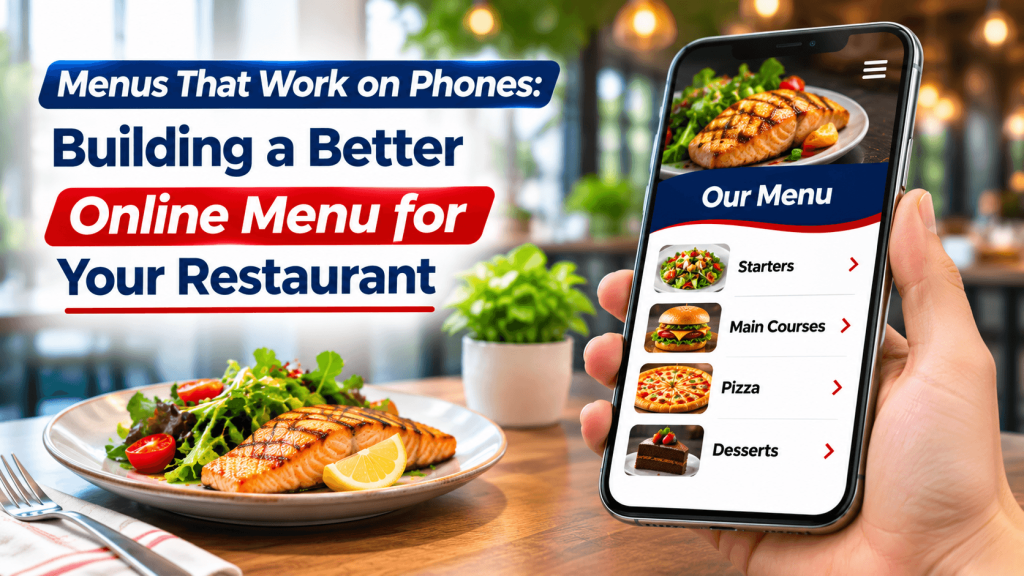
A couple in Portland decides where to eat while waiting at a stoplight. One restaurant’s website opens a PDF menu that requires pinching and zooming. Another shows a clean, readable menu page with prices, dietary labels, and a button to reserve a table. They choose the second restaurant before the light turns green.
For many diners, the menu is the most important page on a restaurant’s website. How it’s built affects whether people can read it, find it, and act on it.
Problems With PDF and Image Menus
PDF and image menus are common because they’re quick to upload, but they create problems:
- They’re often hard to read on phones without zooming
- Text inside images can’t be read by screen readers, which affects diners with visual impairments
- Search engines may have a harder time understanding menu content inside images
- They’re easy to forget when prices or dishes change
A text-based web page solves most of these issues and is usually easier to update.
What a Good Menu Page Includes
Build your menu as regular text on a web page, organized into clear sections such as starters, mains, and desserts. Include dish names and short descriptions, current prices, dietary labels like vegetarian or gluten-free where accurate, and notes about allergens or substitutions. Add a few real photos of popular dishes with descriptive alt text.
Link the menu page from your main navigation, and add a clear reservation or ordering button. If you have separate lunch, dinner, or seasonal menus, label them clearly and remove outdated versions.
Keep Menus Consistent Across Platforms
Diners may see your menu on your website, Google Business Profile, delivery apps, and social media. Google Business Profile lets many restaurants add a menu link or menu items, so when prices or dishes change, update every platform the same day.
Directories add another place diners compare options. A general directory such as Business Listing Hunt includes a Food and Drink category where people browse local restaurants, cafés, and bars, and it shows how others describe their cuisine. Link your listing to your menu page where possible, and keep hours and contact details consistent.
A common mistake is leaving holiday or limited-time menus online after they end, which disappoints diners who arrive expecting those dishes.
Make Choosing You Easy
A readable, current menu page helps diners decide quickly and confidently. Build it as a real web page, keep it updated everywhere, and link to it from your profiles and listings, including on Business Listing Hunt.
Frequently Asked Questions
Can we keep a PDF menu as well?
Yes. If you want a printable version, offer it as an optional download alongside the web page menu. Make the web page the primary version that loads first, especially on phones, and keep both versions updated so prices and dishes always match.
Should we list prices on our online menu?
In most cases, yes. Diners often decide based on price, and menus without prices can lead to surprise or frustration. If prices change often, update them promptly or note that they may vary, and explain clearly if delivery app prices differ from in-house prices.
How should allergen information appear on a menu page?
Label common allergens or dietary options only where you’re confident they’re accurate, and include a note encouraging diners with allergies to speak with staff. Kitchens carry cross-contact risks, so avoid absolute claims unless your processes support them. Accuracy matters more than long lists of labels.
Does a text menu help with search visibility?
It can help search engines understand what you serve, since dish names and cuisine terms appear as readable text. That may help your restaurant appear for relevant searches, though many factors affect visibility. The bigger benefit is a better experience for diners on their phones.